Choosing the right tools for a WordPress site can feel overwhelming. There are countless plugins and platforms promising better visibility, faster pages, and stronger results, yet many site owners are unsure which ones actually matter and how they fit together.
What makes this challenging is that site speed issues are not always obvious. A site can look fine on the surface while hidden performance problems affect user experience and long-term growth, which is why speed optimization is often paired with broader site improvements used by professionals like Godfrey Alarcon.
What is WordPress site speed optimization
WordPress site speed optimization is the process of improving how fast pages load and how smoothly a site responds to user actions. It involves reducing unnecessary load, streamlining files, and ensuring the server delivers content efficiently, often alongside the best tools for improving WordPress SEO and performance.
This process covers both visible elements like images and layouts, as well as background factors such as caching, scripts, and hosting performance. When done correctly, it creates a faster, more stable browsing experience.
Why site speed matters for WordPress websites
Speed directly affects how users interact with a site. Pages that load quickly feel easier to use, keep visitors engaged longer, and reduce frustration.
Key reasons site speed matters include:
- Faster load times improve user experience
- Visitors are more likely to stay and explore multiple pages
- Performance supports long-term visibility and trust
- Mobile users experience smoother navigation
For example, a blog that loads in two seconds instead of five feels noticeably more responsive, especially on mobile connections where delays are more obvious.
Step-by-step process to improve WordPress site speed
Optimizing speed works best when done in clear, logical steps. Each step builds on the previous one, creating steady improvements without breaking site functionality.
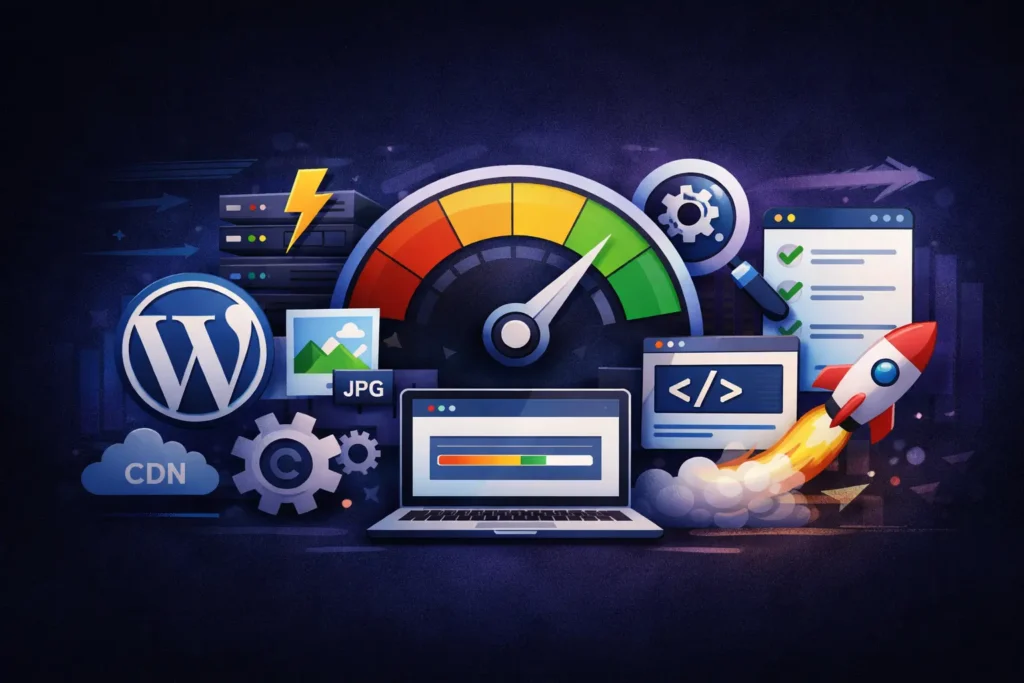
Key actions to focus on include:
- Choosing reliable hosting with good server response
- Enabling page caching to reduce repeated loading
- Compressing and properly sizing images
- Minimizing unnecessary plugins and scripts
- Reducing file sizes for styles and scripts
As an example, enabling caching allows the server to deliver preloaded pages instead of rebuilding them for every visitor, which significantly reduces load time.
Content and layout adjustments that improve speed
Content structure and page layout also influence how quickly a page loads. Heavy page builders, oversized images, and unnecessary animations can slow things down if not managed carefully.
Helpful adjustments include:
- Using clean page layouts without excess elements
- Avoiding large background videos or sliders
- Limiting custom fonts and font weights
- Breaking long pages into clear sections
For instance, replacing a large hero image with a properly compressed version can noticeably improve loading speed without changing the design.
Comparing quick fixes and long-term speed improvements
Not all speed improvements have the same impact. Some changes deliver immediate results, while others support stability over time.
A simple comparison looks like this:
- Quick fixes include image compression and caching
- Long-term improvements include better hosting and cleaner site structure
- Both approaches are necessary for consistent performance
Relying only on quick fixes can help temporarily, but long-term improvements keep the site fast as content grows.
How speed optimization supports long-term results
Site speed improvements work best when treated as an ongoing process rather than a one-time task. As new content is added and plugins are updated, performance needs regular review.
A practical flow often looks like this:
- Audit current site speed and identify bottlenecks
- Apply caching and file optimizations
- Clean up unused plugins and heavy elements
- Monitor performance after updates
- Adjust as the site grows
This approach creates a stable foundation that supports both usability and long-term visibility.
Conclusion
Optimizing WordPress site speed is about removing friction for users and creating a smoother experience across all devices. Small changes, applied consistently, can lead to noticeable improvements over time.
By focusing on hosting quality, clean layouts, efficient files, and regular monitoring, site owners can maintain a fast and reliable WordPress site that continues to perform well as it grows.